Candy in My Candy Business is the stock you buy, place on shelves, measure, and use to complete customer orders. The reliable way to manage it is to match two things every time: the named candy and the requested weight. This guide covers the identified candy records and the main stock-to-order flow; the orders guide explains how to carry those checks through weighing and delivery. It does not claim a complete catalog, prices, capacity table, or unlock chart.
Candy records you can use
The table groups the candy names and categories currently identified for the shop. A row describes what the candy is used for, not a confirmed price, rarity, or unlock requirement. Treat the current order panel and shop inventory as the final check when a name or variant is not listed here.
| Candy or category | Type | Use | How it enters stock |
|---|---|---|---|
| Peach candy | Sweet candy | Fulfills orders for this candy | Order through the shop, receive it, then place it on a shelf or in storage |
| Egg candy | Sweet candy | Fulfills orders for this candy | Order through the shop, receive it, then place it on a shelf or in storage |
| Fish cake candy | Candy | Fulfills orders for this candy | Order through the shop, receive it, then place it on a shelf or in storage |
| Coconut candy | Sweet candy | Fulfills orders for this candy | Order through the shop, receive it, then place it on a shelf or in storage |
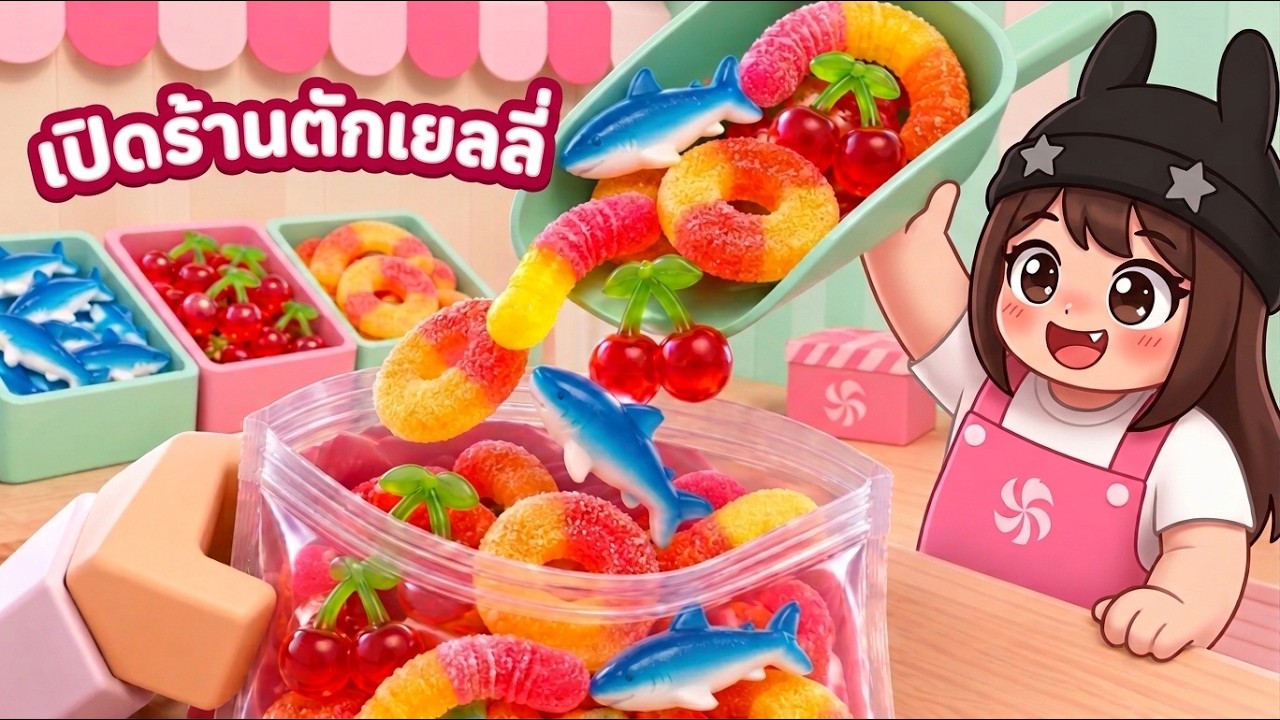
| Gummy worms | Gummy candy | Fulfills orders for this candy | Order through the shop, receive it, then place it on a shelf or in storage |
| Gummy sharks | Gummy candy | Fulfills orders for this candy | Order through the shop, receive it, then place it on a shelf or in storage |
| Watermelon slices | Candy | Fulfills orders for this candy | Order through the shop, receive it, then place it on a shelf or in storage |
| Jelly foam | Candy | Fulfills orders for this candy | Order through the shop, receive it, then place it on a shelf or in storage |
| Milk bottles | Candy | Fulfills orders for this candy | Order through the shop, receive it, then place it on a shelf or in storage |
| Strawberry flavors | Flavored candy | Represents strawberry candy variants in orders | Order through the shop when the relevant product is available |
| Sweet varieties | Category | Groups sweet candy options | Use the current shop list to identify available members |
| Sour varieties | Category | Groups sour candy options | Use the current shop list to identify available members |
Sweet and sour are categories, not single candy names. If an order names a specific product, use that product rather than assuming any candy in the same category will count. The named list is useful for recognizing stock, while the live order and shop panels decide which exact variants are available in your current play session.
How Candy becomes usable stock
Candy does not become order-ready merely because you know its name. The supported stock flow has four distinct states:
- Choose the product. Open the shop ordering interface and select the candy you need. Stock decisions should follow the pending order list rather than a guessed price or an unconfirmed unlock path.
- Wait for delivery. Submit the order and wait for the shipment to arrive. A product that is still in transit is not the same as candy already available on the shop floor.
- Unpack the shipment. Open the delivered box before trying to use its contents. The delivery and unpacking stages are shown as separate actions in the observed shop flow.
- Place the candy. Put the received candy on a shelf or in the available storage area. Shelves make the product available for the later scooping and packaging process.
This distinction matters when an order is waiting and a shelf appears empty. Reordering is the recovery action for missing stock; trying to pack the order before delivery or unpacking does not replace that step. The evidence does not establish a universal delivery timer, so use the current delivery state rather than relying on a fixed duration.
Order and stock candy for customer orders
This moment supports the stock flow by showing candy being ordered, delivered, unpacked, and placed on a shelf before it is used.

Match candy to the order
Customer orders specify both a candy identity and an amount. Confirm the name first, then read the target weight. Identified examples include 150 g, 250 g, 500 g, 750 g, and 1 kg. These are order quantities, not confirmed universal package prices or reward tiers.
Use this decision table when preparing an order:
| Order check | What to do | What it prevents |
|---|---|---|
| Candy name | Select the shelf or stock that matches the named candy | Packing the right weight of the wrong product |
| Target weight | Scoop and adjust until the displayed amount matches the request | Sending an underweight or overweight package |
| Available stock | Restock before or after the order when the relevant shelf is low | Stopping midway because the product runs out |
| Package choice | Choose a box or bag suitable for the requested amount | Starting a package that cannot hold the order |
| Presentation | Apply the required shop, star, special, or other sticker when prompted | Leaving the package unfinished |
| Delivery state | Close the package and send it after the checks are complete | Treating a prepared but unsent order as delivered |
The weight display is the useful checkpoint: 250 g and 500 g are not interchangeable simply because both use the same candy. A 1 kg request also should not be treated as several smaller orders unless the game’s current interface explicitly breaks it into separate requests. Where the interface gives a package or sticker choice, follow the order’s current requirements rather than assuming every order uses the same presentation.
Packaging and delivery decisions
After matching the candy and weight, transfer the measured candy into the selected box or bag. The packaging guide covers choosing an appropriately sized container, adding a sticker, closing the package, and sending it. Stickers can include shop, star, special, and other presentation options identified in the game materials.
Packaging is therefore more than moving candy from a shelf. It is the conversion of loose stock into a deliverable order. If the amount is wrong, adjust the scoop before closing the package. If the candy name is wrong, return to the stock selection and choose the matching shelf. If the product is absent, stop and reorder rather than substituting a sweet or sour category without confirmation.
Prepare and label a candy order
This moment supports the packaging checks by showing an order prepared with a 250 g requirement and shop labeling before delivery.
Once the package is closed and sent, the delivery step completes the customer transaction and removes the prepared order from the work queue. Completing orders advances progression and provides money or other progression resources, but no fixed reward formula is established here. Do not use an assumed payout to compare candy products.
Stock planning and progression limits
Candy stock connects directly to orders, packaging, delivery, levels, shop upgrades, and store capacity. A varied shelf is useful when the queue contains different candy names, while a low shelf for a repeatedly requested product is a reason to reorder that product. The shop flow includes reordering Gummy worms, Gummy sharks, and Watermelon slices when supplies are low, but these are not necessarily the only products that can be reordered.
Use the following planning rules:
- Prioritize named demand. Read the pending order before selecting a product. This reduces the chance of filling a shelf with a category that does not match the next customer.
- Keep the order quantity visible. Record whether the request is 150 g, 250 g, 500 g, 750 g, or 1 kg before scooping. The amount controls the preparation decision even when the candy name is familiar.
- Restock before the final scoop. If the relevant shelf is nearly empty, ordering early is safer than waiting until an order is already blocked. Delivery and unpacking are separate parts of the wait.
- Treat upgrades as capacity decisions. Shop upgrades are reported to include additional candy capacity, bells, store features, and larger or more advanced facilities. Exact costs and capacity numbers are not confirmed here, so use the current upgrade panel.
- Expect progression to change the catalog. Levels can unlock additional candy, packages, rooms, decorations, and shop features. Level 5, level 10, level 15, and level 20 are cited as examples of level-based requirements, but the evidence does not map each level to a complete candy list.
The practical result is a simple priority order: satisfy a known pending candy order, restore the stock that is actually running low, then spend progression on a capacity or feature upgrade shown as available. This keeps the plan useful without pretending that every unlock or cost is fixed.
What is not confirmed about Candy
The identified records should not be expanded into a complete database. The game information available for this guide does not reliably provide a full item roster, per-candy price, sell value, inventory maximum, rarity, delivery timer, or exact level for each candy. It also does not establish a production recipe for the Candy Factory or a separate storage rule for the Warehouse.
When a new candy appears, identify it from the live shop and order panels, then apply the same checks: buy or receive it, unpack it, place it, match its name, measure the requested weight, package it, and send it. For mutable values such as availability, stock capacity, or unlock requirements, the current in-game panel takes priority over a static reference. This keeps the catalog accurate without turning an unconfirmed category into a claimed item or inventing numbers the game materials do not support.
First-time My Candy Business candy questions
Does the candy name matter as much as the weight?
Yes. A customer order requires the named candy and the requested weight, so matching only the grams is not enough. Select the product that matches the order before adjusting the scoop.
What should I do when the candy I need is not on the shelf?
Order that candy through the shop, wait for delivery, unpack the shipment, and place it on a shelf or in storage. Do not treat an item that is still being delivered as usable stock.